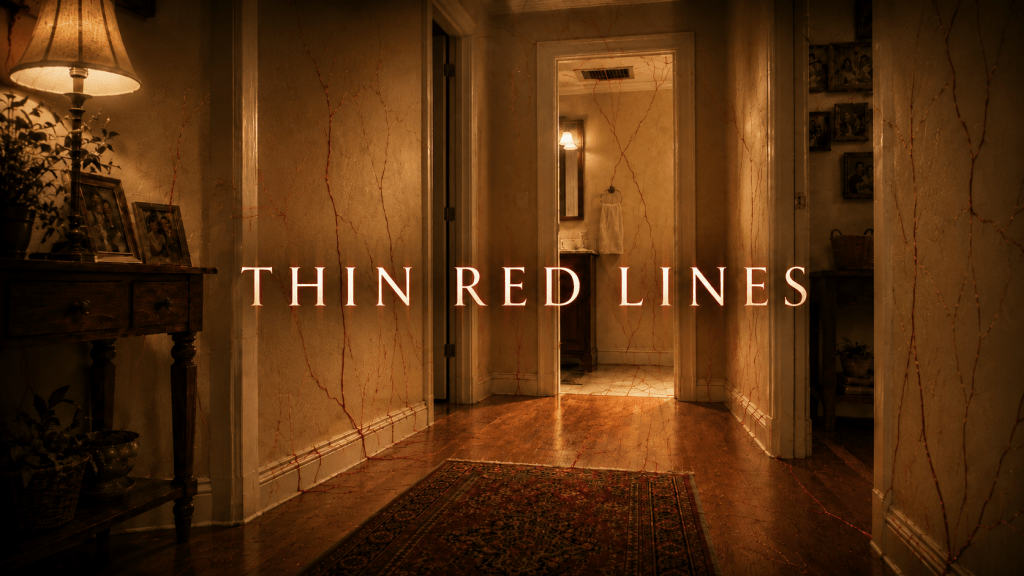
This is an update on my attempt to turn my story Thin Red Lines into a video. The experience was both more rewarding and more challenging than I thought. I am linking to the six-minute video of Thin Red Lines but it is not great. It tells the story but looks like AI slop, something which I did not want to happen.
However, I did learn a few things along the way, some of which pertain to me having a better understanding of the story itself, which I think you will find interesting.
The Tools
There are a lot of AI tools out there for creating video. It seems like Runway, Higgsfield and Open Art are some of the more common ones. There can be quite a bit of a cost to this, so I decided to stick with the most tools I already have paid subscriptions to: ChatGPT, Google AI (using Google Flow). I used ElevenLabs on the free tier but will likely subscribe to as I continue the video creation journey. I manually put everything together and edited it in the free version of the amazing Davinci Resolve.
The Process
I spent a lot of time watching You Tube videos on AI Video creation, which helped me get a good footing. My process ended up being the following, and note that this will likely change and evolve as I learn how to do a better job:
- Feed the story into ChatGPT to have it break it into a scene story board
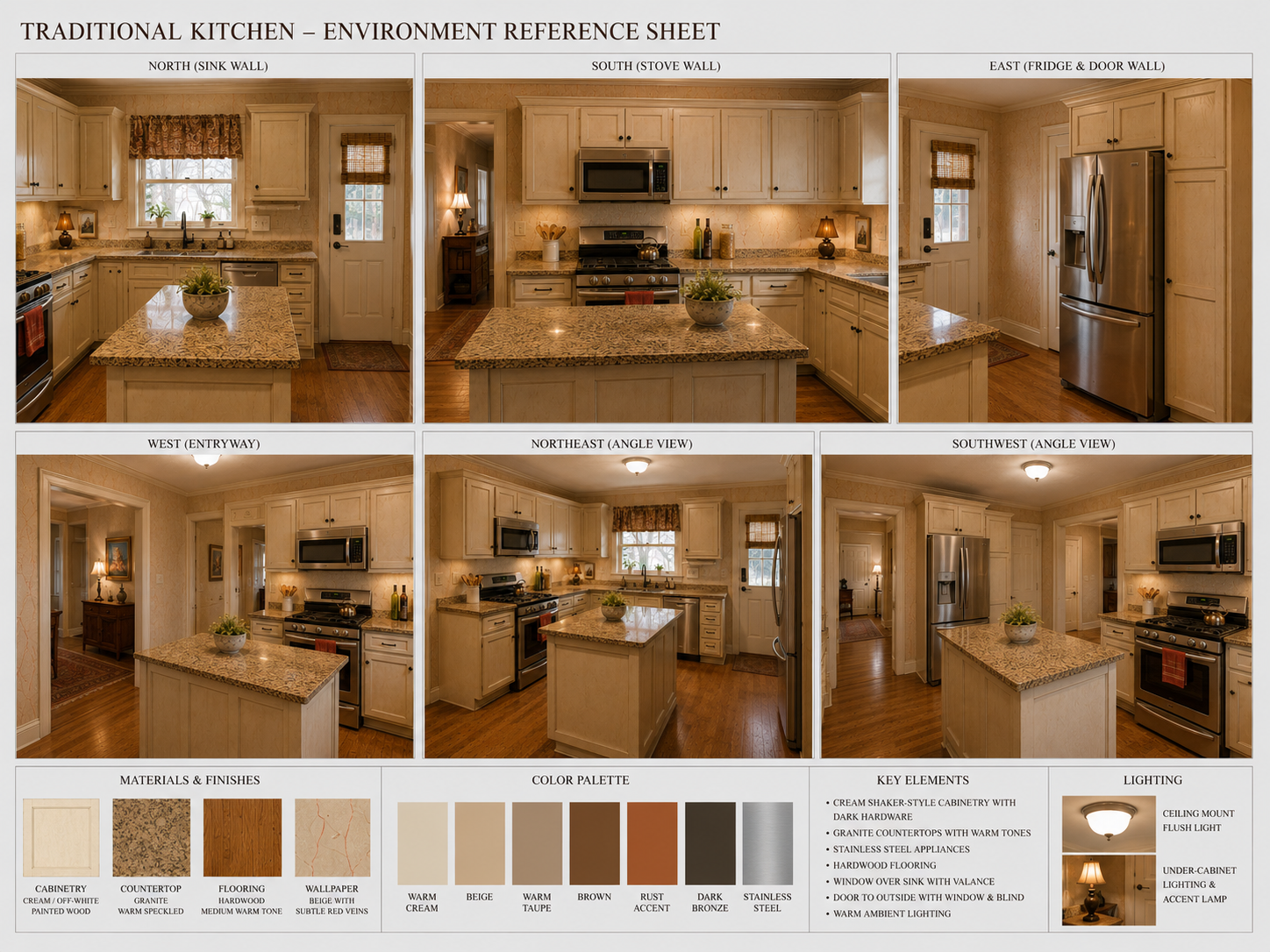
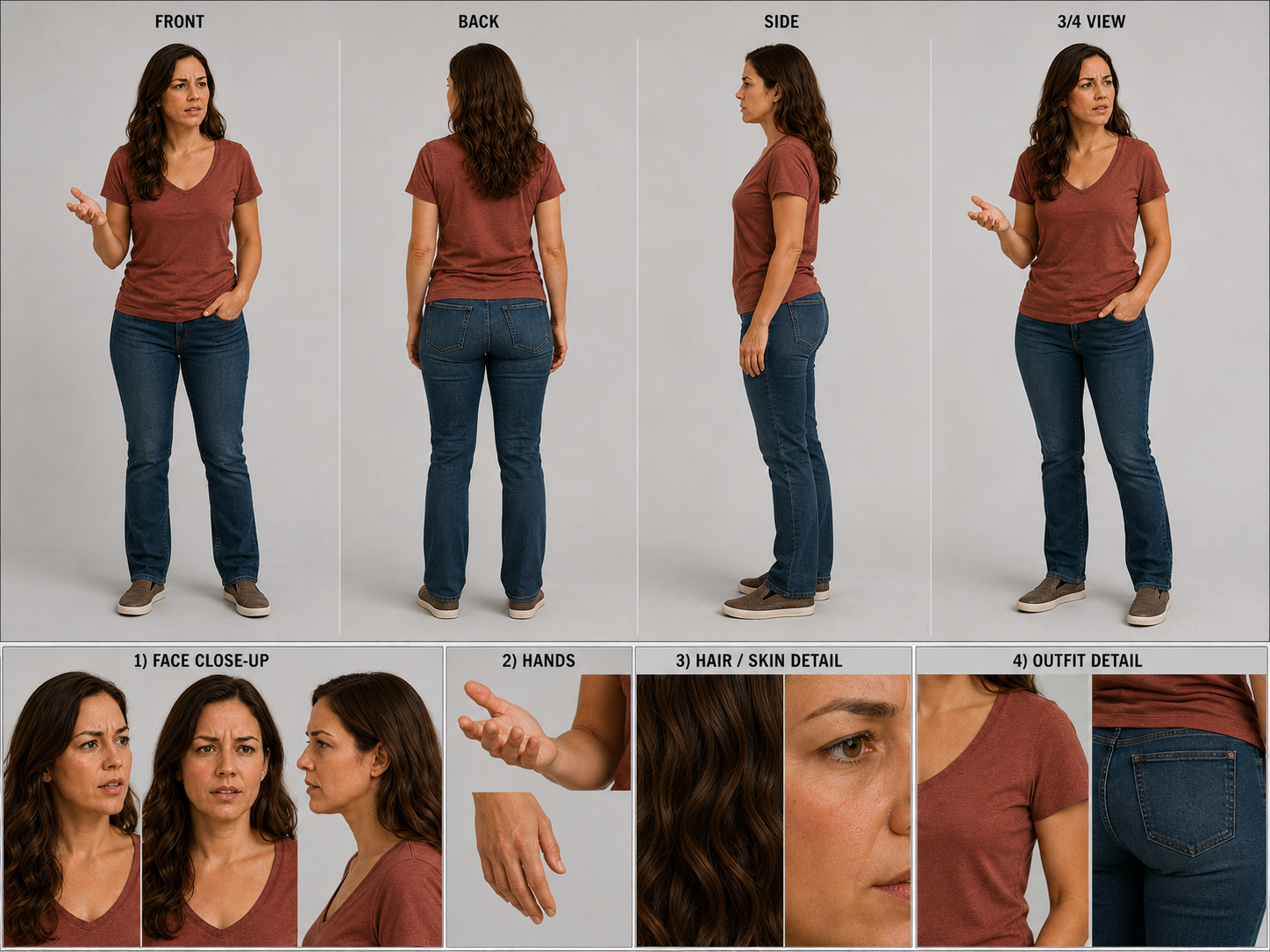
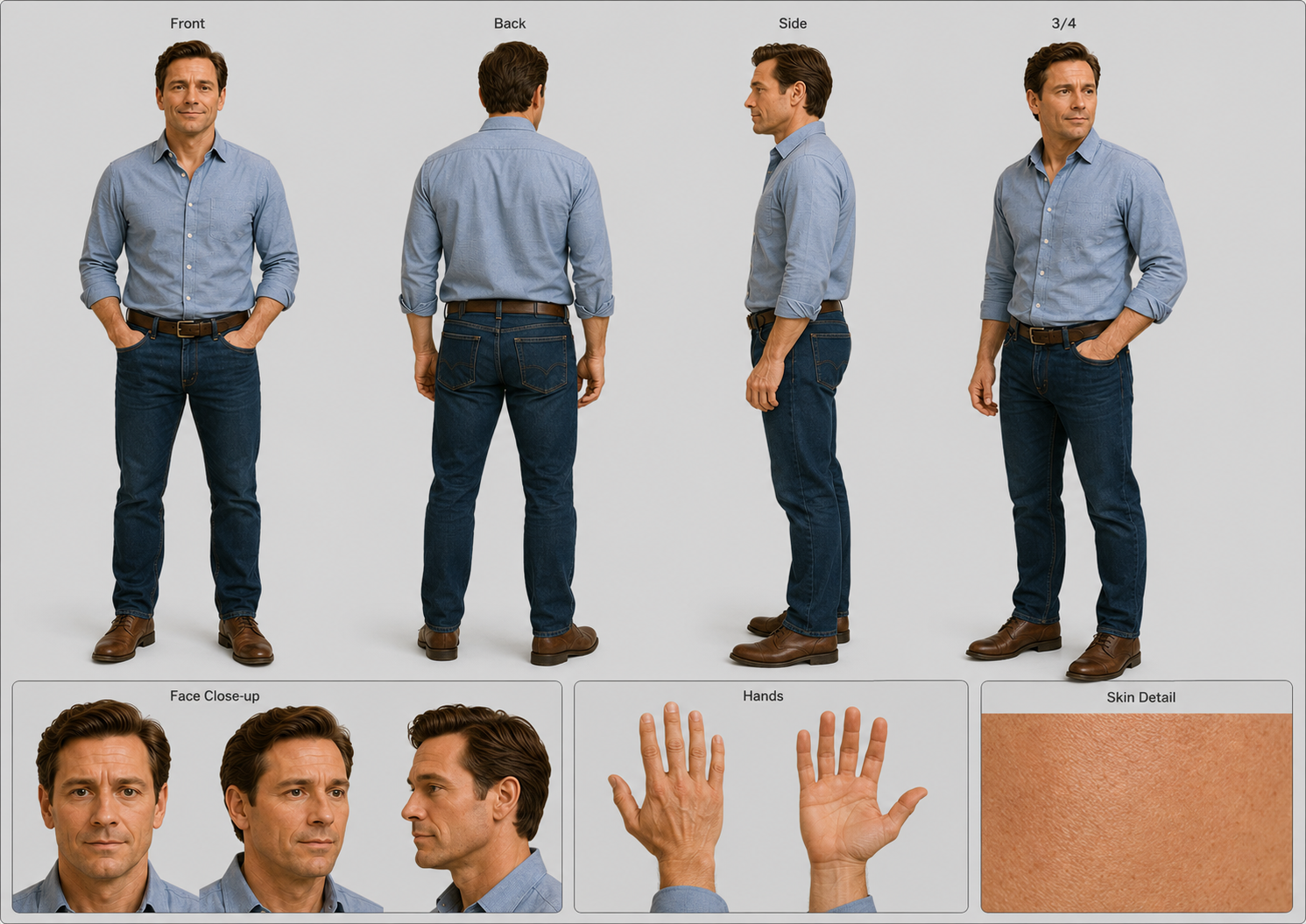
- Use ChatGPT to create “Character Sheets” for characters, locations and important objects (Will include an example image of one of these below)
- Use Eleven labs to pick out voices for each of the characters. Google Flow does put voices and sound with the videos but does not keep the audio consistent.
- I used the character sheets and short sections of dialog to prompt Google Flow for each of the scenes.
- I cut the scenes together using Davinci Resolve as my editing platform. Replacing most of the voices generated in the Google Flow clips with the voices from Eleven Labs in order to keep the character voices consistent.
- Some still shots, like that of the house were generated in Chat GPT.
The Bad
Continuity issues: If you look closely at the video you will see things that “change” from scene to scene, like how the table in one shot has flowers on it and later on it doesn’t.
Character consistency This one drove me crazy. It was really hard for me to figure out how to keep the characters consistent. Even with me insisting the AI stay true to the character sheets, Cal and Andy, in particular, change quite a bit throughout the video.
Lip syncing the Eleven labs audio to video: This is more a matter of my ignorance, I now know there is a way to take the original audio Google Flow produces and run it through Eleven Labs usin their “Voice Changer” option to get audio that matches the shots.
Audio sounds hollow and out of place. Creating the voices in Eleven Labs works well, but they often sound hollow and out of context with the surroundings. Apparently having separate tracks for scene ambiance can help with this but I didn’t have as much success with that as I would have liked.
Uncanny Valley: There are a lot of places with what I would call AI awkwardness: AI creates a lot of weird pauses and having characters looking around for no reason, or over acting. Sometimes a general feel of stiffness that just doesn’t seem right. It is deceptively hard to get natural looking motion and character actions.
Google Flow limits scene length to only 8 seconds so I had to stitch together longer scenes.
It took way longer than I thought it would have. I spent about 3 full weekends on the six minutes of Thin Red Lines. I will certainly need to get my process more efficient if I want to keep doing this.
The Good:
I love seeing the story come to life and being able to tweak the characters to what I envisioned them to be when I wrote them.
AI did surprisingly well at times. While the voices and appearance didn’t quite match the characters, after its first attempt at it, I kept the end scene in its entirety because I thought it was funny.
What I learned:
I need to know a lot more about video production. Timing, shot selection, how to choose a Point of view color grading and the importance of audio are all very important. If I am to be the director behind what AI is doing, then I need to learn about these things.
Having to break down the story into scenes also really helped me to understand where I had holes in the story. In Thin Red Lines (Spoiler alert), Cynthia, the protagonist, goes on about how much the home means to her but in the end goes after money to make things right. Even though she technically “wins,” this is not a satisfying ending.
Converting my short story to video has been an interesting and fun experience and one I plan to continue with for my other stories. Let me know what you think in the comments below.
-James
The character sheet for Cynthia (Protagonist)
Character Sheet for Andy (Antagonist):
Example of environment characters sheet for the kitchen